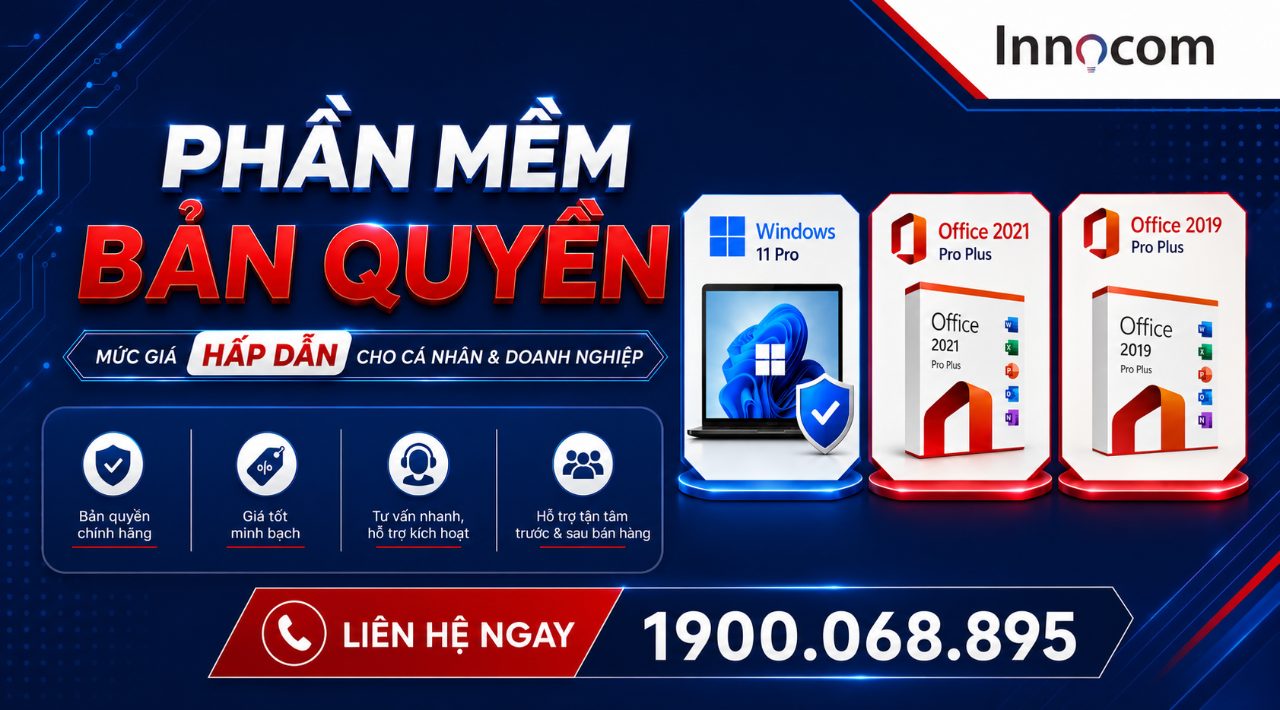
In day-to-day operations, most businesses need to use essential software such as the Windows operating system and Microsoft Office productivity suite. However, when they begin purchasing licensed software, many customers often find it difficult to choose because there are so many options such as OEM, FPP, Medialess, Bind, Full box, No box, Office 2021, and Office 2019.
In practice, each type of software is suitable for different needs. Some businesses need to optimize costs, some need clear licensing records, while others prioritize flexibility when changing devices in the future.
With its portfolio of genuine licensed Microsoft software, Innocom helps businesses choose the right products based on actual usage needs, avoiding unnecessary purchases, incorrect products, or license types that do not match internal operations.
1. Why should businesses choose the right type of software license from the beginning?
Purchasing licensed software is not just about buying an activation key to install on a computer. For businesses, it is also part of IT asset management, risk management, and standardizing the working environment for employees.
If the right type of software is selected from the beginning, businesses can:
Optimize investment costs for different groups of computers.
Manage licenses more easily as the number of devices increases.
Reduce risks during audits, handovers, or staff changes.
Ensure stable computer operation and minimize software errors.
Make reinstallation, upgrades, or device changes more convenient.
Conversely, if the wrong license type is chosen, businesses may encounter situations such as purchasing a version that exceeds actual needs, lacking sufficient documentation, facing difficulties managing multiple devices, or choosing a license that does not fit future device replacement plans.
2. Should businesses purchase Windows or Office first?
Before selecting a specific product, businesses should first determine exactly what problem they need to solve.
If the computer does not have a valid operating system, needs to be reinstalled, standardized for a new machine, or uses an operating system of unclear origin, the business should prioritize licensed Windows 11 Pro.
If the computer already has a stable operating system but employees need to work with Word, Excel, PowerPoint, Outlook, contracts, reports, spreadsheets, email, and internal documents, the business should prioritize licensed Microsoft Office Pro Plus.
In many cases, businesses should deploy both Windows and Office at the same time to ensure computers are standardized from the operating system platform to the daily productivity tools.
Licensed software portfolio currently provided by Innocom
Category | Product |
Windows | Win 11 Pro OEM DVD (FQC-10528) |
Win 11 Pro FPP USB full box (HAV-00163) | |
Win 11 Pro FPP USB no box | |
Office | Office 2021 Pro Plus Medialess full box (269-17185) |
Office 2021 Pro Plus Medialess no box | |
Office 2021 Pro Plus bind full box | |
Office 2021 Pro Plus bind no box | |
Office 2019 Pro Plus Medialess full box | |
Office 2019 Pro Plus Medialess no box | |
Office 2019 Pro Plus bind full box | |
Office 2019 Pro Plus bind no box |
3. Which Windows 11 Pro version should businesses choose?
When purchasing licensed Windows 11 Pro, customers often see names such as OEM DVD or FPP USB, but not everyone clearly understands the differences. Simply put, both are licensed Windows 11 Pro products, but they differ in packaging, how the license is tied to the computer, and the level of flexibility when businesses need to replace devices, upgrade hardware, or manage licenses over the long term.
Detailed comparison of Windows 11 Pro OEM DVD and FPP USB
Criteria | OEM DVD | FPP USB |
Definition | OEM is a license typically sold with or intended for a specific device | FPP (Full Packaged Product) is a retail packaged Windows license with greater flexibility |
Format | License key + DVD | License key + USB, available as full box or no box |
Transfer to another computer | ❌ Limited transfer, permanently tied to the first hardware it is installed on | ✅ Can be transferred to another computer |
License transfer | ❌ Not allowed | ✅ Can be transferred to a new computer |
Documentation management | ❌ Standard | ✅ Easier to keep records, especially with the full box version |
Hardware upgrades | Replacing the motherboard = License lost | Key can still be retained when changing computers |
Technical support | Handled by the installer (no direct Microsoft support) | Direct Microsoft support available |
Best suited for? | Businesses with fixed office computers | Businesses that need flexible licenses for important computers |
Choose when | You want to save costs and the computer rarely changes | You want easier management, better documentation, and the option to change computers later |
Conclusion: Windows 11 Pro OEM DVD is the best option for businesses looking to optimize initial investment costs. However, because this license is permanently tied to one computer and cannot be transferred to another device, OEM is best suited for fixed office computers. Conversely, if the business needs flexibility to reuse the license when upgrading hardware or changing employee computers, FPP USB is worth considering.
4. Which Office Pro Plus version should businesses choose?
With Office Pro Plus, businesses not only need to choose between Office 2019 and Office 2021, but also need to understand formats such as Medialess, Bind, Full box, and No box.
They can be understood simply as follows:
Office 2019 Pro Plus: suitable for businesses that need a stable, familiar Office suite while optimizing costs.
Office 2021 Pro Plus: suitable for businesses that want a newer version and a longer-term investment.
4.1. Comparison of Office 2019 Pro Plus and Office 2021 Pro Plus
Criteria | Office 2019 Pro Plus | Office 2021 Pro Plus |
Definition | Licensed Office suite, 2019 version | Licensed Office suite, 2021 version |
Version age | Older | ✅ Newer |
Interface | Familiar and easy to use | More modern |
Features | Sufficient for common office needs | Includes more improvements |
Compatibility with Windows 11 | Compatible | ✅ Better suited |
Cost | ✅ More cost-effective | ❌ Higher |
Long-term use | Suitable for basic needs | ✅ Better suited for long-term investment |
Best suited for? | Small businesses, offices, stores, and branches | Businesses that work extensively with documents, reports, and data |
Choose when | You need basic Word, Excel, PowerPoint, and Outlook | You need a newer version for longer-term use |
Conclusion: Office 2019 Pro Plus is the best option for businesses looking to optimize costs when employees only need to handle basic office tasks and require long-term stability. Conversely, if the business wants employees to use the latest security features, smarter data-processing functions, and smoother compatibility with newer operating systems, Office 2021 Pro Plus is worth considering.
4.2. Comparison of Office Medialess and Office Bind
Criteria | Office Medialess | Office Bind |
Definition | Office version without USB/DVD installation media | Office version using bind/license activation |
How is it installed? | Download the installer and enter the key/license | Activate according to the instructions for the bind version |
Does it require technical knowledge? | ✅ IT support or someone familiar with installation is recommended | ✅ Consultation is recommended before use |
Suitable for installing on multiple computers | ✅ Suitable | ✅ Suitable if licenses are managed properly |
Easy to reinstall later | Depends on how the key/installer is stored | ✅ More convenient when managed correctly |
Ease of license management | Standard | ✅ Better when properly advised |
Best suited for? | Businesses with internal IT staff | Businesses that want clearer license management/activation |
Choose when | You do not need USB/DVD and want a streamlined deployment | You want more convenient activation and management |
Conclusion: Office Medialess is an effective choice for businesses looking to reduce initial purchasing costs, especially for fixed office computers that rarely change. Conversely, if the business places greater importance on managing and preserving digital assets and wants the flexibility to recover and reactivate licenses when changing employee computers, Office Bind (account-linked) is a more worthwhile investment.
5. Frequently asked questions when choosing licensed software
Should small businesses choose Office 2019 or Office 2021?
If a small business needs to save costs and only uses Word, Excel, PowerPoint, and Outlook at a basic level, Office 2019 Pro Plus is a suitable choice. If the business wants a newer version and a longer-term investment, Office 2021 Pro Plus is recommended.
Should office computers use Windows 11 Pro OEM or FPP?
If a computer is used in a fixed office environment with minimal hardware changes, Windows 11 Pro OEM is a reasonable choice. If the business needs a more complete product package that is easier to store and manage, it can choose Windows 11 Pro FPP USB full box.
Is it necessary to purchase Full box versions for every computer?
Not necessarily. Full box versions are suitable for important computers or businesses that need complete product documentation. For standard computers, businesses can consider no box versions or other more cost-effective options.
Is Medialess suitable for businesses without IT staff?
If the business does not have IT staff, it should consult with Innocom carefully before choosing Medialess. If convenience in installation and documentation is a priority, the business can consider full box versions or use deployment support from the provider.
Should Office be purchased for all employees or only certain departments?
Businesses should purchase Office for employees who frequently work with documents, spreadsheets, reports, email, and customer files. For positions that rarely use Office, businesses can reassess actual needs to optimize costs.
Does Innocom provide consultation before purchase?
Yes. Innocom provides consultation to help businesses select software based on the number of computers, user groups, budget, documentation requirements, and actual deployment plans.
Businesses that need to purchase genuine licensed Windows 11 Pro, Office 2021 Pro Plus, or Office 2019 Pro Plus can contact Innocom for product selection consultation. Innocom will help businesses choose the right license type based on actual usage needs, ensuring optimized costs, easy deployment, and convenient software management.
Contact Innocom now – Hotline 1900.068.895 for consultation and the best installation support pricing!