
When sales teams use personal accounts to close deals, managing personal Zalo accounts on computers becomes a major challenge for business owners. Without proper control, customer data can easily be lost, and it becomes difficult to evaluate the performance of each employee. This article will guide you on how to set up a centralized management system, track customer care history, and measure sales team performance directly on computers.
Why do businesses need to manage personal Zalo accounts for sales teams?
Businesses need to manage personal Zalo accounts for sales teams to control customer data, monitor consultation quality, evaluate work performance, and minimize information loss when staff changes occur. In practice, many sales teams use personal Zalo accounts every day to consult, care for, and close deals with customers. This approach helps employees respond quickly and create a more personal connection, but without a structured way to manage personal Zalo accounts on computers, businesses will find it very difficult to know what sales staff are discussing with customers, which stage each customer is at, and whether customer care data is being fully stored.
All conversation history, customer information, and purchase needs are stored in each salesperson’s personal Zalo account. When an employee leaves or transfers to another department, it is very difficult for the business to recover and inherit this customer base. This creates a direct risk of data loss and revenue loss.
Managers cannot clearly see what the sales team is doing each day, which customers are being followed up with, and which customers are being neglected. Performance evaluation then depends only on verbal reports or manually compiled Excel files, which are both inaccurate and time-consuming.
Businesses need a standardized system to ensure that every conversation is stored, can be monitored, supported, and used for retraining. This is why managing personal Zalo accounts on computers is not just something businesses “should do,” but a mandatory requirement if they want to scale their sales teams while still maintaining quality control.
Challenges of manually managing hundreds of personal Zalo accounts
Without a system in place, many businesses choose manual management methods: asking sales staff to take screenshots, export customer data to Excel, or provide verbal reports during meetings. These approaches quickly reveal their limitations as the number of Zalo accounts grows into the hundreds.
It is impossible to monitor multiple accounts simultaneously on one screen. Each salesperson logs into their own Zalo account on their computer, while managers have no tool to quickly see who is messaging whom or the status of each customer. Everything depends on the honesty and initiative of individual employees.
Data is fragmented. Each person stores customer information differently, with no shared standards for notes, classification, or tags. When reports are needed, managers must gather data from multiple sources, which takes a great deal of time and still lacks accuracy.
Controlling consultation quality is almost impossible. You do not know whether sales staff follow the correct consultation script, overlook important customers, or share sensitive information externally. All of this makes it difficult for businesses to build a sustainable sales process when relying solely on manual management of personal Zalo accounts.
How to effectively manage personal Zalo accounts on computers for sales teams
The most effective way to manage personal Zalo accounts on computers for sales teams is to move from manual management to centralized management based on a software platform. The goal is to continue allowing sales staff to use personal Zalo accounts to interact with customers, while all data, customer care history, and work performance are recorded in a shared system that is easily accessible from computers.
In the following sections, we will explore each aspect in detail: from bringing all personal Zalo accounts into one interface, to tracking customer care history, tagging customers, syncing CRM data, and setting up permissions. Once you understand these principles, you will have a clear way to manage personal Zalo accounts on computers that can be easily scaled across all branches.
Centralize all sales team Zalo accounts on one management platform
To effectively manage hundreds of personal Zalo accounts used by the sales team, businesses need to bring all accounts onto a centralized management platform such as WorkGPT ZaloTeam, instead of allowing each employee to operate independently on Zalo PC.
WorkGPT ZaloTeam helps businesses:
Manage all sales team Zalo accounts on a single computer interface.
Track customer care history between each salesperson and customer.
Review consultation content to ensure service quality and minimize errors.
Tag and group customers by needs, status, or potential level.
Store message history in the CRM so customer data is not fragmented.
Track sales team performance based on the number of conversations, customers, and customer care activities.
Easily hand over customers when employees leave or transfer to another department.
Thanks to centralized management on WorkGPT ZaloTeam, businesses can control customer data, monitor sales activities, and improve sales performance using just one platform.
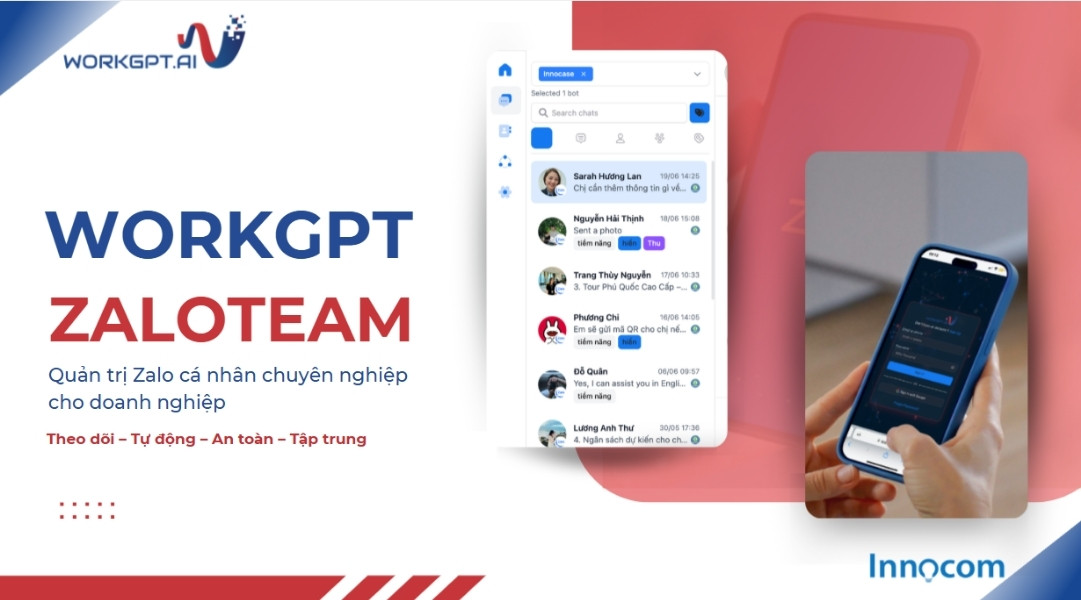
WorkGPT ZaloTeam – Centralized personal Zalo management platform
See also: WORKGPT ZALOTEAM – Professional personal Zalo management for businesses
Track customer care history by each sales account
Once accounts are centralized, the next step is to clearly display customer care history for each sales account. The goal is that whenever you open a customer profile, you can see the entire interaction timeline: who sent the message, what was said, when it was sent, and how the customer responded.
This helps managers easily assess the consultation quality of each employee. You can see whether sales staff follow the correct script, miss customer questions, or make promises beyond company policy. Based on this information, you can provide specific feedback instead of general comments.
At the same time, when a customer is transferred from one salesperson to another, the new person only needs to open the history to immediately understand the context. There is no need to ask the customer again, “Have you already spoken with our team?”, which avoids causing frustration. This is a major benefit of managing personal Zalo accounts on computers with complete and transparent interaction history.
Tag and group customers to provide care based on their needs
In addition to storing history, businesses also need to classify customers so they can provide appropriate care. Tagging and grouping customers directly in the Zalo management interface on computers helps sales teams save time while also laying the foundation for future remarketing campaigns.
You should build a standardized tag system for the entire team: customer source, level of interest, product of interest, and stage in the sales funnel. After a conversation, sales staff only need to select the corresponding tag, and the system will automatically place the customer into the correct “group”.
As a result, when you want to run a follow-up campaign, you can quickly filter customers who viewed a demo but have not closed, or customers who bought product A so you can introduce product B. Standardized classification on the management platform prevents data from becoming fragmented across individual personal Zalo accounts.
Sync customer data and message history to the CRM
For sustainable management, businesses should not leave data only on the Zalo platform. All customer information and important message history should be synchronized to a shared CRM system. This is the key step that turns Zalo consultation activity into a long-term data asset.
Once integrated, each customer will have a single “profile” in the CRM containing complete information: source, Zalo interaction history, opportunity status, order value, and more. Sales staff continue working on Zalo, while data automatically flows into the CRM without manual entry, reducing errors and saving time.
As a result, marketing, customer service, and accounting teams all share the same view of each customer. You can easily measure the customer journey from initial interest on Zalo through purchase and repeat purchase. This becomes the foundation for optimizing personal Zalo account management on computers as part of the entire sales system.
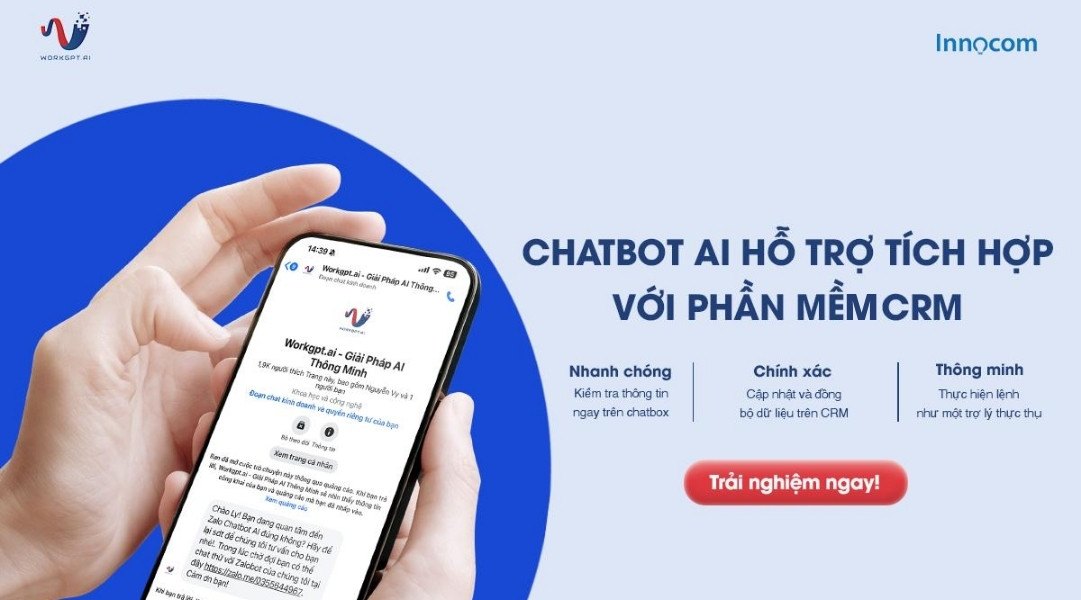
Sync customer data and message history to CRM
Set up role-based management permissions
When multiple people access the Zalo management system, permissions are mandatory. Each role needs clear limits on what they can view, edit, and export from the system in order to protect customer data and prevent misuse.
Typically, you will have permission groups such as sales, team leader, sales manager, and system admin. Sales staff can only view their own customers and cannot download all data to their computers. Team leaders can review the customer care history of their teams for coaching purposes. Senior managers can access overall reports but do not necessarily need to intervene in individual conversations.
Setting permissions directly on the Zalo management platform gives you greater confidence when scaling the sales team. Even with hundreds of active personal Zalo accounts, data remains tightly controlled. When someone leaves the company, you only need to disable their account, without worrying about important information being lost.
Track each salesperson’s performance in real time
Finally, an effective management system must allow you to track work performance in real time. This means not only looking at the number of orders at the end of the month, but also daily indicators such as the number of new conversations, number of replies, average response time, number of tagged customers, and number of opportunities moving to the next stage.
When all activities on personal Zalo accounts are recorded in a shared platform, you can easily compare performance across sales staff, identify who is overloaded, and see who is leaving customers unattended. Alerts such as customers waiting too long for a reply can also be displayed directly on the management dashboard.
As a result, coaching and resource allocation become much more proactive. You do not need to wait until the end of the week to hold a meeting and “analyze” problems. Everything is clearly visible on the dashboard, helping you make timely adjustments and optimize the entire process of managing personal Zalo accounts on computers for the sales team.

Real-time work performance management
See also: How to manage sales performance using real-time data?
In summary, to effectively manage personal Zalo accounts for sales teams, businesses need a centralized platform with clear customer care history, standardized customer grouping, CRM synchronization, strict permissions, and real-time reporting. By implementing all of these steps on computers, you can transform fragmented messaging activities into a measurable, controllable, and scalable sales system, comprehensively optimizing the way personal Zalo accounts are managed on computers.