
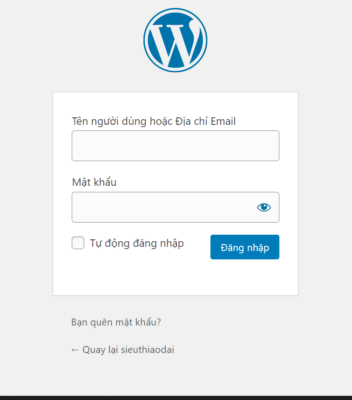
Step one: Log in to the admin page
In this step, I'm going to show you how to log in to the website administrator.
Access to the link: https://domain.com/admin
Enter your username and password
Step two: Interface the admin page
After you log in to the sdmin page, you continue the operations.

Move the mouse pointer to Interface -> Appear next table -> Select Menu
Step 3: Add and delete items from the menu
You can see the instructions that you've got on your feet.
To move to change the location of items in menu -> Press item and move up and down
Convert the mother to child by pressing hold and dragging left.

Change the name of the folder, you select Triangle -> Change the name, delete the folder

Select the required folders -> Add to menu
You finally remember the Loki menu!!!!!
Incredible company with a reputation for innovation.
Technical support: 1900.068.895
Advising HN 1: +84 964 738 895
Advising HN 2: +84 934 478 895
Advisory to the CMU 1: +84 941 338 895
Advisory to HCM 2: +84 982 768 895
E-mail: [email protected]
17th floor, VTC building online - 18 Triple Crown - two daughters - Hanoi
46th floor - Bitexco Financial Tower - number two