
When you can't manage all the time you spend surfing the web or using your computer, there are a lot of problems that come up. Either you're spending too much time browsing the web or you need to relax because you spend too much time on your computer. So what's the solution to managing your Internet usage time? Innocom is going to introduce you to RescueTime, the Internet time management tool!
The RescueTime It's a very useful computer time management tool, allowing users to manage their daily network usage situations. It's not just the time you spend browsing the web, but also the time you use software on your computer. At the end of the day, you can view the most accurate and complete report on everything that has been done on your computer. To use RescueTime you need to create an account on the homepage, then proceed with installation The RescueTime client.
Below is a video describing the function of The RescueTime:
- The home page: RescueTime: Time management software for staying productive and happy in the modern workplace
- The software supports three common operating systems: Windows (XP and up), Linux (Ubuntu or Fedora), and Mac (OS X 10.6 and up).
- Log in to the account
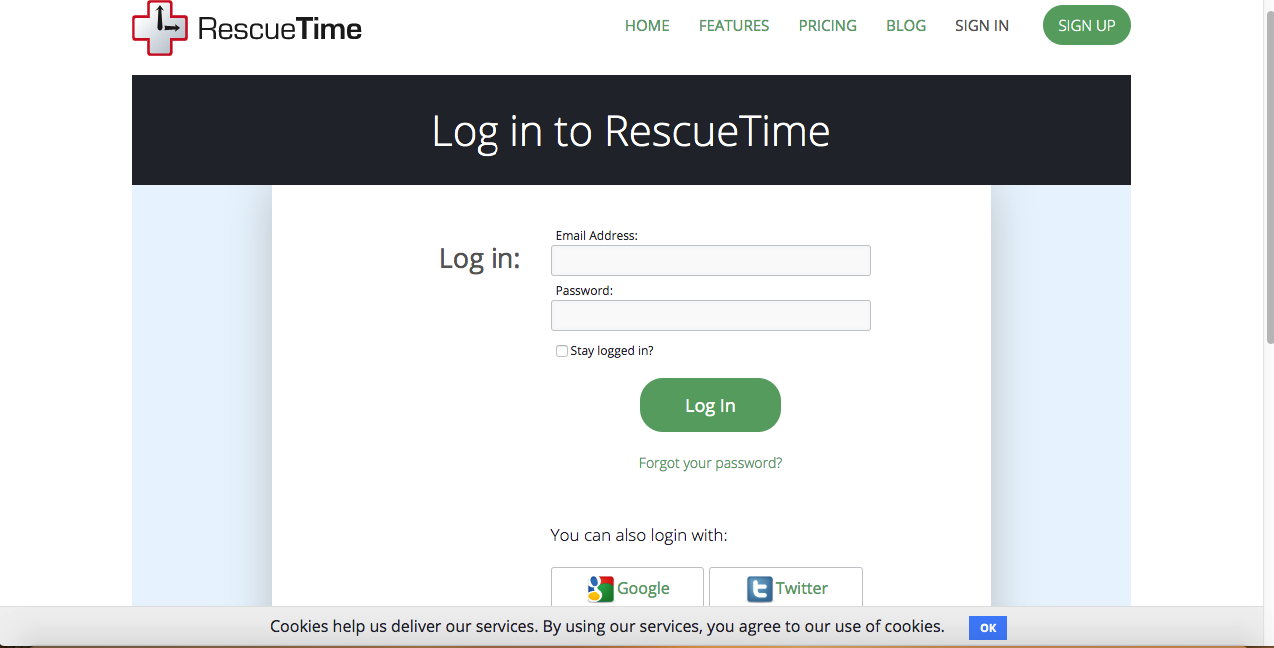
- Then click download as shown below:
- Loading link: I've been waiting for you.
-
- Once you've installed it, just enter the registered email address and click Active to The RescueTime connect to the computer, and start tracking in background mode.
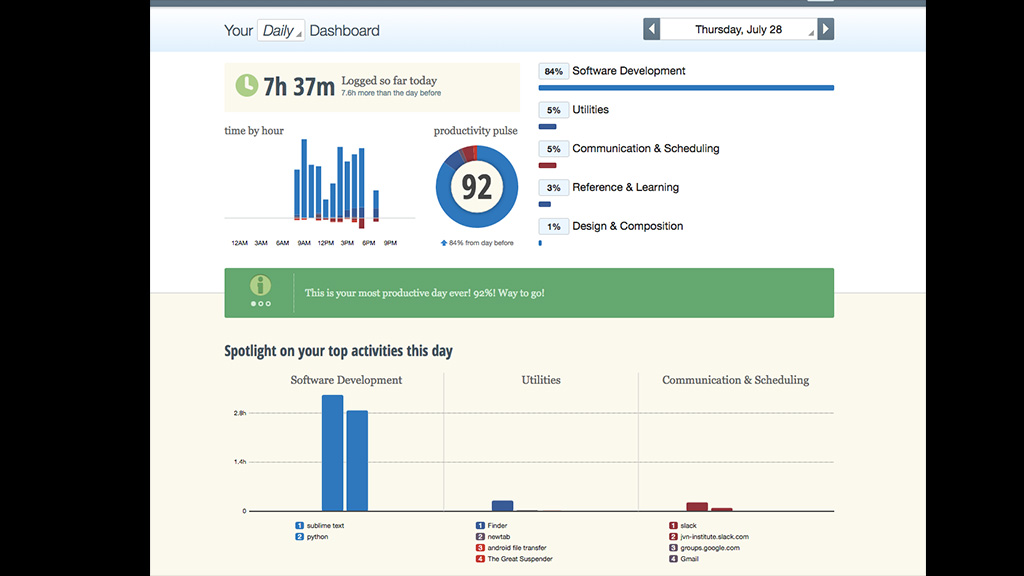
A website will appear and you just need to sign in an account that is Active Success. A control panel consists of two components This is a list of all the different ways RescueTime.com is credited in the database. and RescueTime.com settings It'll show up. If you want to see the uptime, use the software, apps and website access, click on This is a list of all the different ways RescueTime.com is credited in the database.I'm not. The dashboard, reports as well as settings for the application will all be opened on the device's default browser.
Innocom hopes that through this article, people will be able to better balance their working hours. If you find the article helpful, share it with others to make better use of your time!