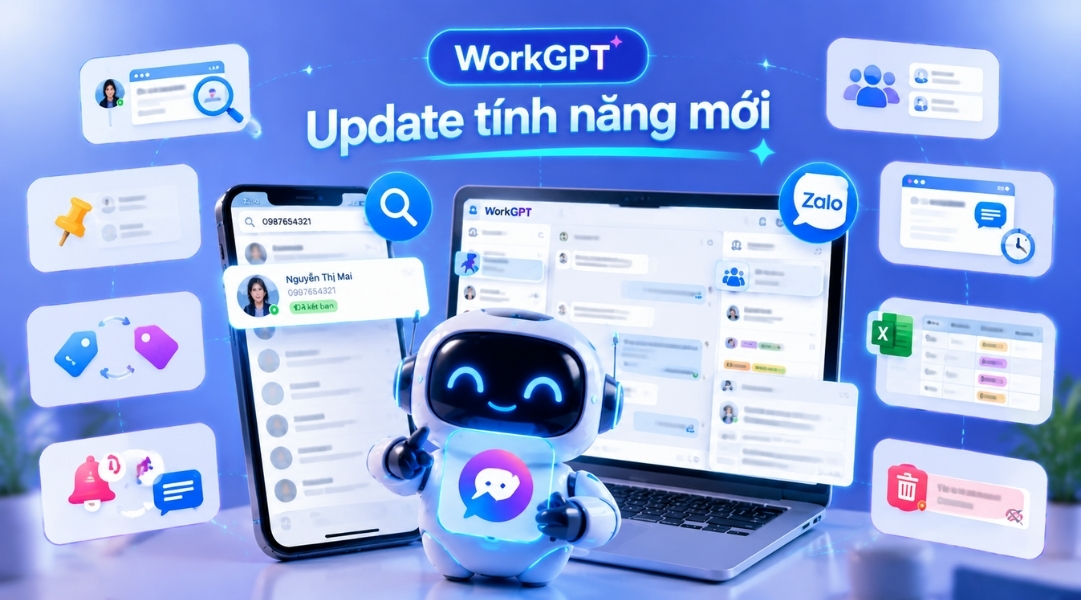
As businesses increasingly use Zalo as a primary customer care and sales channel, the growing volume of conversations makes information management, customer classification, and interaction quality control more complex. Beyond just a message response tool, businesses today need a system capable of storing conversation data, synchronizing information across platforms, assisting staff in handling customers faster, and helping managers control all customer care activities.
To meet that demand, WorkGPT's New Feature Update brings a series of enhancements that help businesses manage customers on Zalo more comprehensively. The new features focus on improving customer search capabilities, data synchronization, conversation management, and optimizing customer care workflows on a centralized platform.
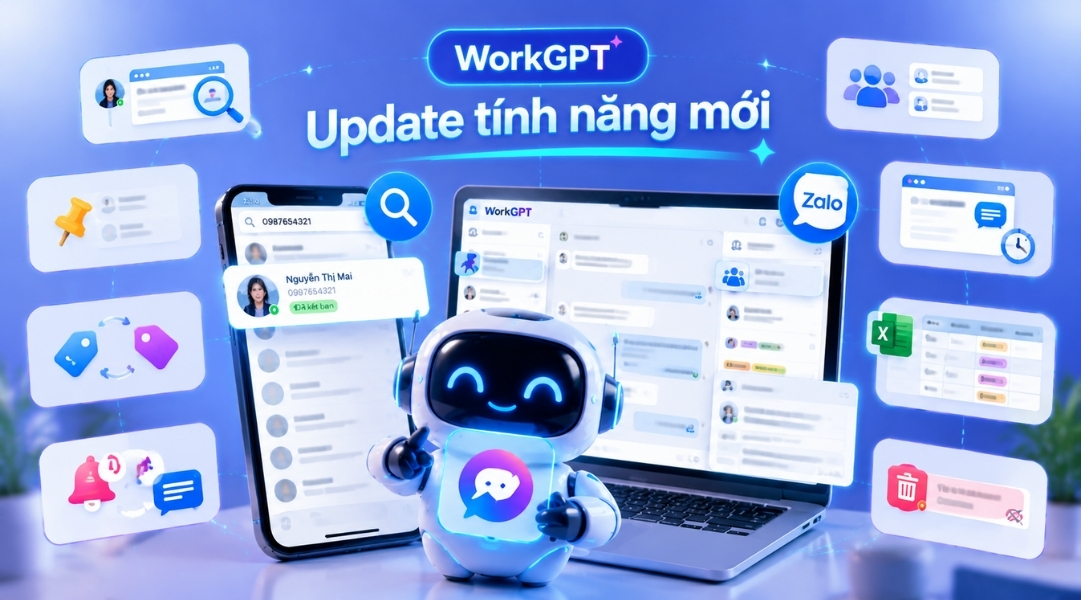
WorkGPT New Feature Update: Upgrading Management Experience and Optimizing Customer Interaction
With this update version, WorkGPT continues to perfect tools that support businesses in managing thousands of daily chats.
Below are the key features highlighted in this WorkGPT New Feature Update.
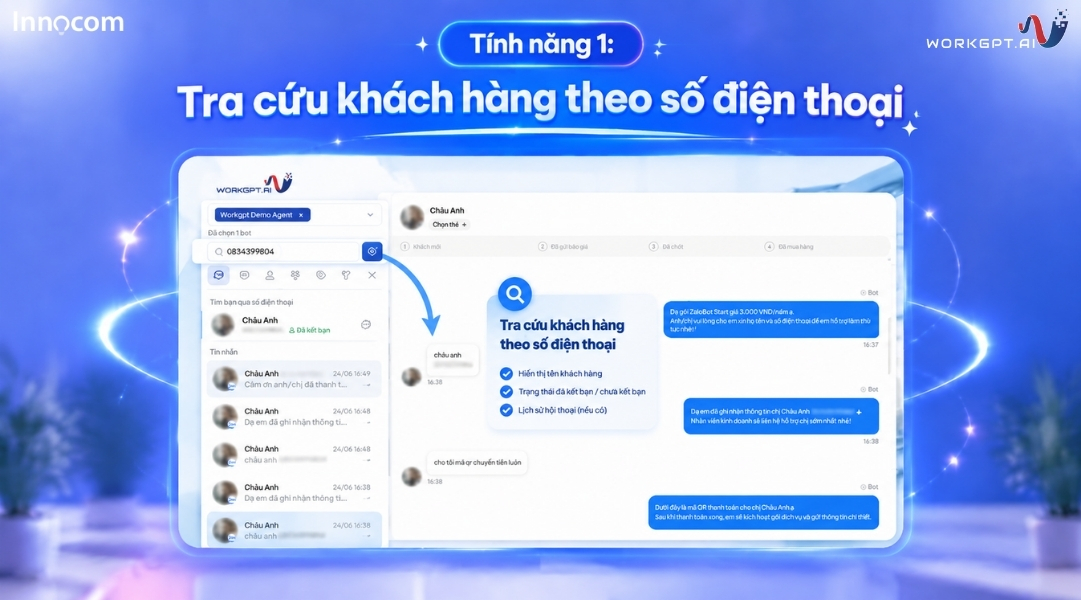
Feature 1: Customer Lookup by Phone Number
The Customer Lookup by Phone Number feature allows staff to enter a phone number in the search bar to quickly check customer information on Zalo. The system automatically displays the name, friend status, and prior interaction history, helping Sales and CSKH teams instantly identify new or returning customers to offer accurate consultation.
WorkGPT New Feature Update[/caption] See also: WORKGPT ZALOTEAM - Professional Personal Zalo Management for Enterprises
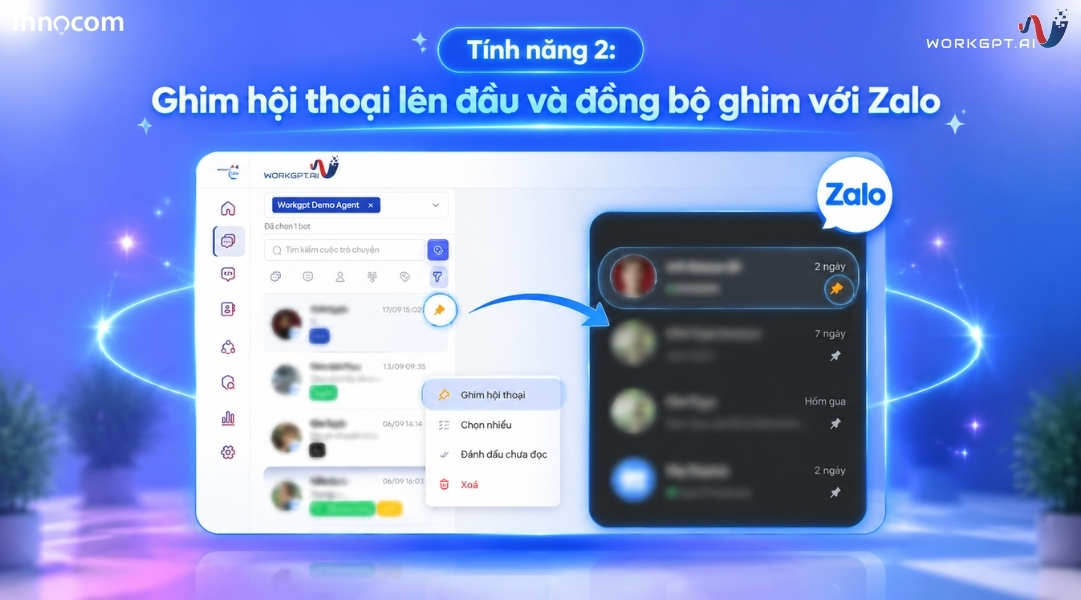
Feature 2: Pin Conversations to top and Sync Pinned Chats with Zalo
Allows staff to pin important conversations to the top of the list for priority tracking and quick handling. The pinned status is synchronized bidirectionally between the Zalo app and the WorkGPT Management Portal. As a result, information remains consistent, helping work management stay systematic and avoiding missed customers.
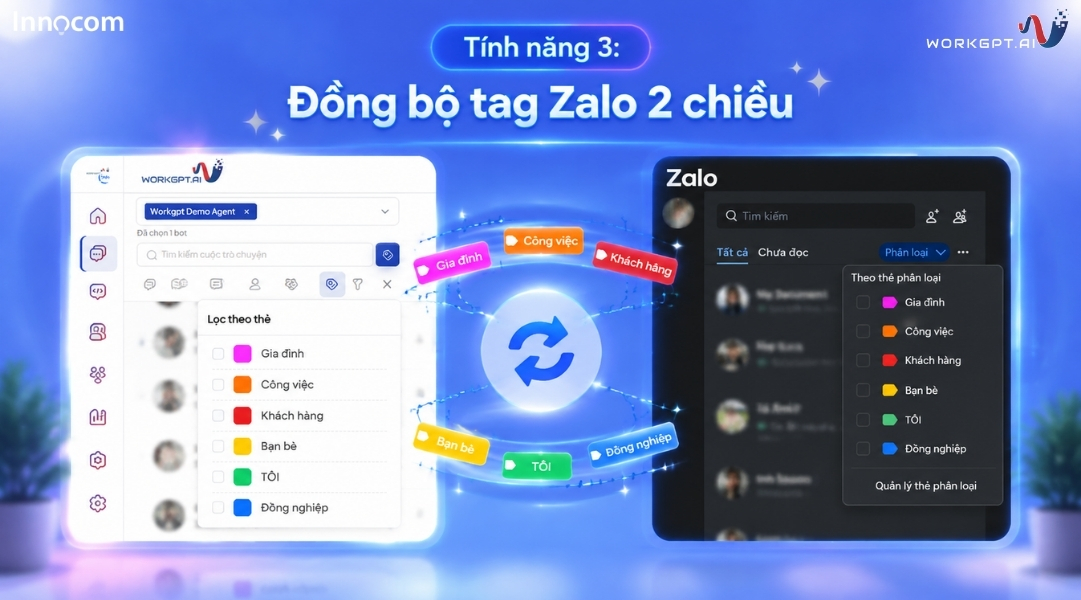
Feature 3: 2-Way Zalo Tag Sync
Automatically synchronizes the customer classification tag system between Zalo and WorkGPT bidirectionally. Any action to add, edit, or delete tags on one platform will instantly update on the other. This helps businesses standardize data and manage customer files consistently and effectively.
Feature 4: Notifications for Tagged Messages or Overdue SLA Conversations
The system sends instant notifications when staff members are mentioned (tagged) in messages or when a conversation exceeds the specified response time (SLA). Staff can immediately grasp tasks to support colleagues or handle issues in a timely manner. This feature helps boost service speed and ensure CSKH quality (applicable only to Website and Mobile versions).
[caption id="attachment_42449" align="aligncenter" width="1081"]
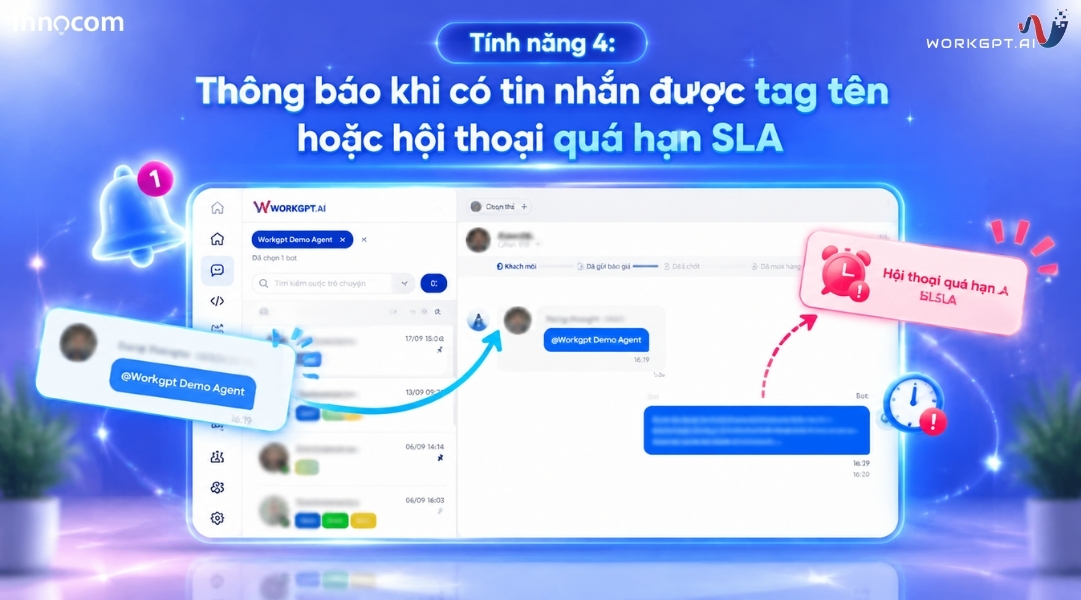
Notifications for Name Tagging and SLA Warnings[/caption] See also: How to never miss the “golden window” for customer response? Applying WorkGPT ZaloTeam's violation warning reports
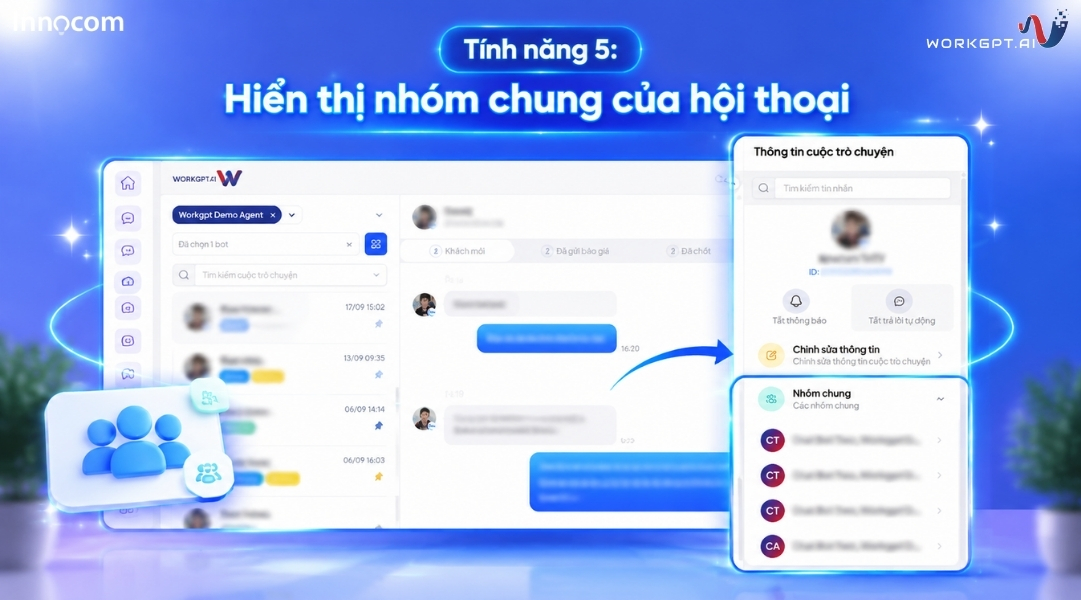
Feature 5: Display Mutual Groups of Conversations
Displays all shared Zalo groups between the business and the customer directly on the chat interface. Staff can easily verify interaction context and related discussion threads without manual searches. Consequently, consultations become seamless and aligned with actual customer needs.
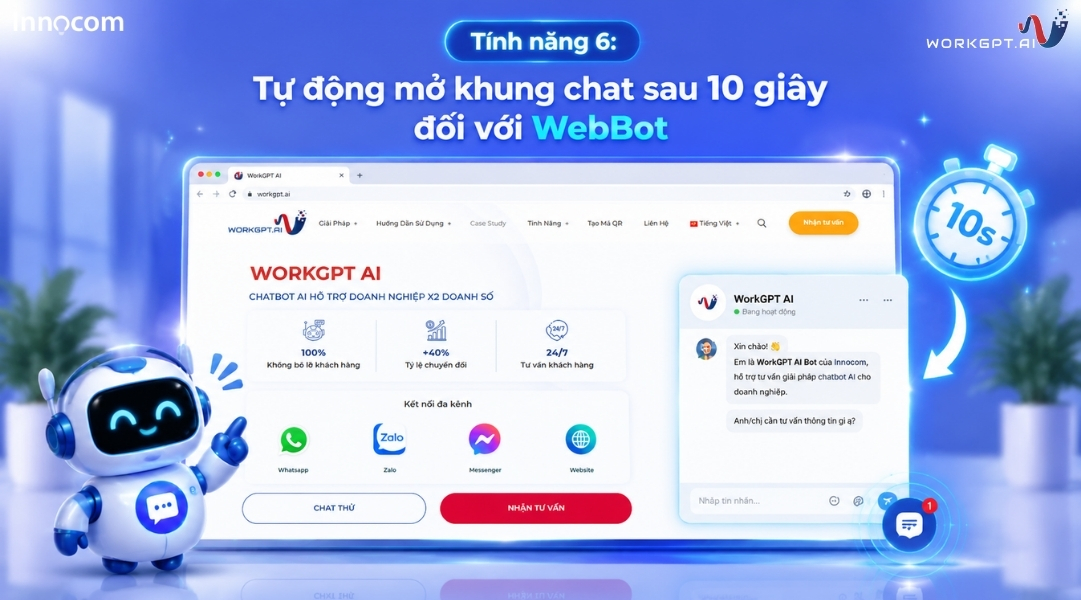
Feature 6: Auto-Open Chatbox After 10 Seconds for WebBot
The WebBot chatbox will automatically pop open after 10 seconds when customers visit the website. This feature helps proactively grab attention and encourage users to interact immediately, helping businesses increase conversion rates and optimize potential lead collection.
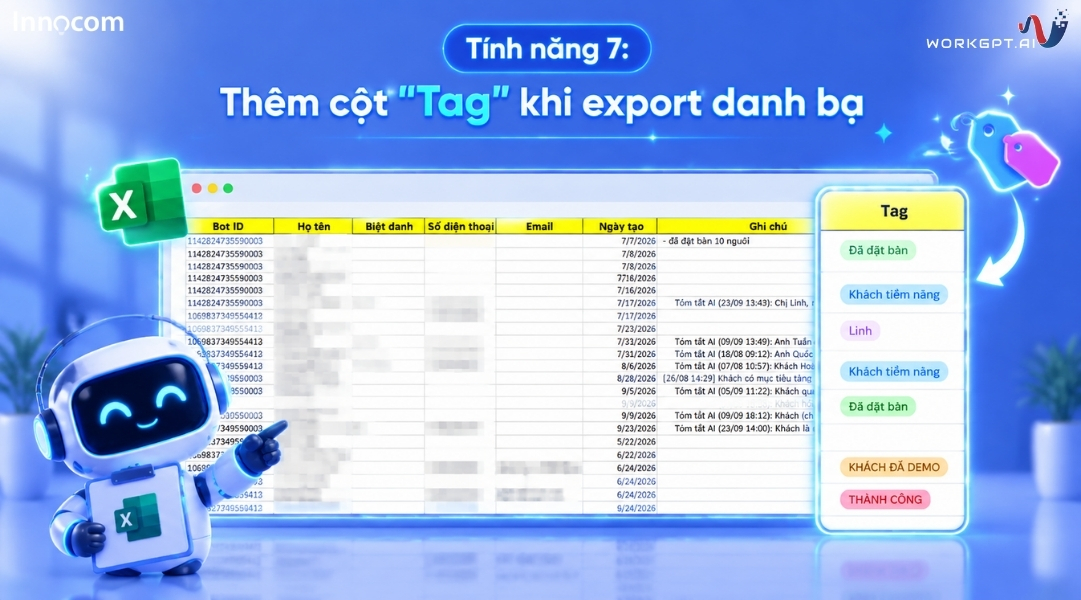
Feature 7: Added "Tag" Column When Exporting Contacts
Appends an extra "Tag" information column to data files when staff export customer lists. This enables businesses to easily filter, classify, and store detailed data by customer segment—making it highly convenient for reporting, analysis, or executing subsequent Marketing campaigns.
WorkGPT Continues Expanding Its Intelligent Customer Management Platform
With this series of updates in the WorkGPT New Feature Update, WorkGPT continues working toward the goal of building a comprehensive conversation management platform for enterprises. The new features not only help employees work faster but also empower managers to better control all customer data.
Key values businesses gain include:
More Centralized Customer Management: All conversation data, customer statuses, classification tags, and interaction histories are managed on a single centralized system.
Optimized Performance for Sales & CSKH Teams: Staff can easily find customers, prioritize key conversations, and process requests faster.
Customer Care Quality Control: SLA warnings, conversation notifications, and historical data help businesses ensure customers are always served at the right time.
Building a Long-term Customer Database: Instead of relying on individual employees' personal Zalo accounts, businesses can own and leverage centralized customer data.
Driven by a commitment to continuous improvement, WorkGPT will keep introducing new features to help enterprises effectively leverage conversation data, automate customer care processes, and enhance customer experience on the Zalo platform.
Contact WorkGPT.AI - Hotline 1900.068.895 today for consultation and a free demo!